Google Ads channel prioritization: budget control limits
Google's new channel controls offer more flexibility over advertising spend, but their limitations matter when protecting campaign performance.


Google announced channel prioritization and budget allocation for Google Ads on October 14, 2026. The controls let advertisers rank eligible networks as High or Low priority and, for supported campaigns, set a percentage-based spending limit on Low-priority inventory. The rollout begins progressively on October 15.
The important distinction is that these limits are best-effort rather than guaranteed hard caps. Demand Gen supports channel prioritization but not budget allocation, while Performance Max groups Google's own surfaces together. The commercial question is whether additional control improves profitable demand capture enough to justify restricting automated bidding.
What changed in Google Ads channel prioritization?
Google's official help documentation describes two optional controls. Channel prioritization tells the system which eligible inventory should receive budget first. Budget allocation allows a Low-priority channel to receive a specified maximum share of the campaign's average daily budget, on a best-effort basis.
All channels default to High priority. A campaign with Target CPA or Target ROAS bidding generally funds High-priority inventory within its performance target before directing remaining budget to Low-priority inventory. When a target-based campaign is not limited by budget, priority labels alone generally do not change allocation. A percentage setting on Low-priority inventory can still apply.
The controls are available at account, shared-budget and campaign levels where supported. A campaign-level setting can override the account default. Availability may vary as the rollout progresses. Check your own account before making a migration plan.
Which campaigns get the controls?
Eligible channel groupings depend on campaign type.
- Search: Google Search, search partners and the Google Display Network can receive different priority levels. Supported Low-priority channels can also receive budget allocations.
- Shopping: Google Search and search partners are the available groupings.
- Performance Max: Google channels, search partners and the Google Display Network are the groupings. Search, YouTube, Maps, Gmail and Discover remain combined within Google channels.
- Demand Gen: Google channels and the Google Display Network can be prioritized, but budget allocation is not supported as of October 15, 2026.
The update does not give advertisers separate budget controls for YouTube, Search and Discover inside Performance Max. Nor does it provide Demand Gen with the same percentage-based controls available to eligible Search, Shopping and Performance Max campaigns.
Google says the controls can be managed through the Google Ads interface or Search Ads 360. Google Ads API and Google Ads Editor support should be confirmed against the latest official documentation rather than assumed.
A budget percentage is not a guaranteed cap
Google calculates budget allocation against the campaign's average daily budget, not the amount actually spent that day. Its documentation also says the system may occasionally exceed the selected allocation, with no carryover of under- or overspending between days.
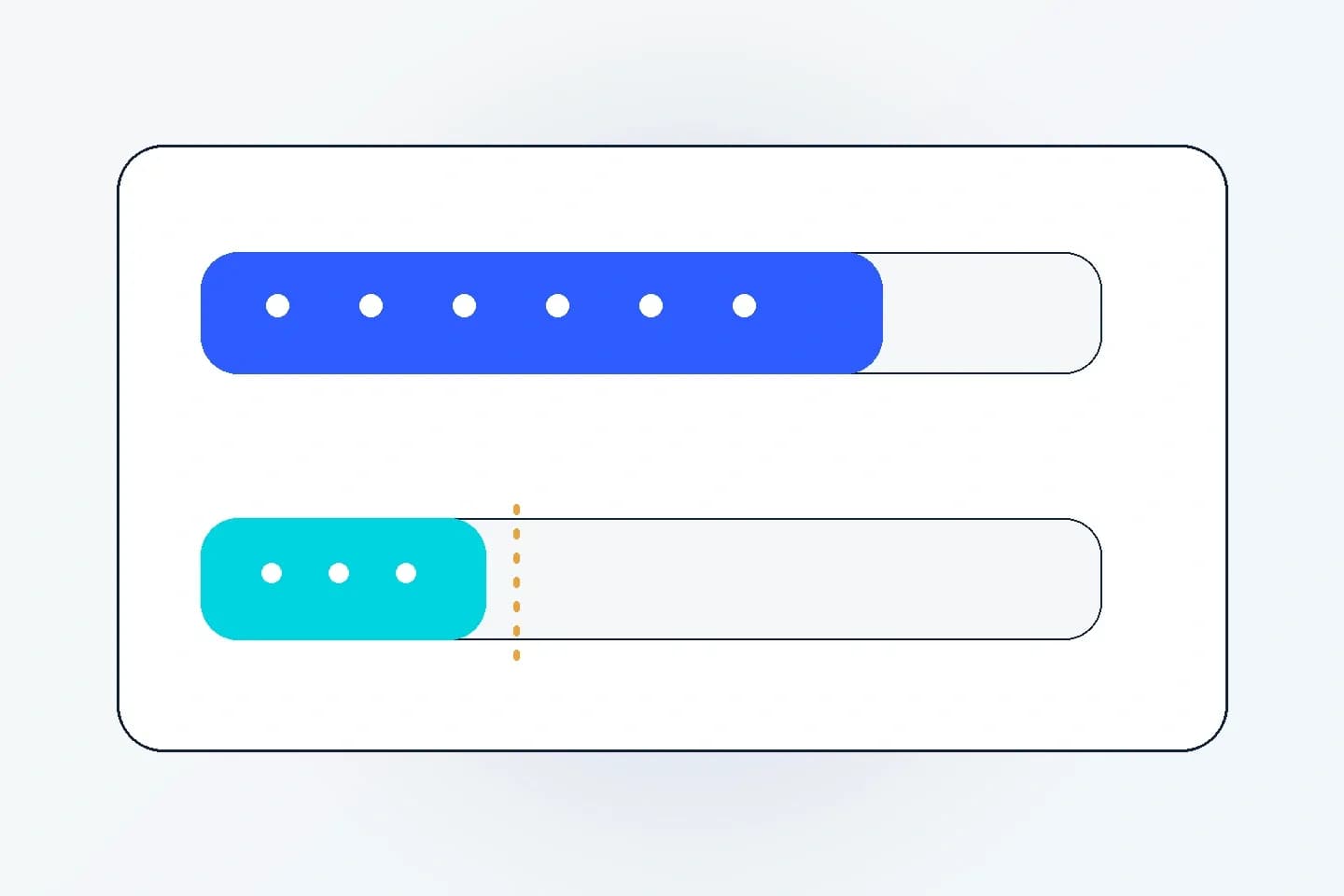
Consider a hypothetical retailer with a €1,000 average daily Search budget. The team sets search partners to Low priority with a 10% allocation. Google will aim to keep partner spend at or below €100 per day because €1,000 multiplied by 10% equals €100.
That €100 is a target boundary, not a contractual maximum. The campaign could spend less than its average daily budget overall, so the partner share of actual spend could be higher than 10% even when partner spending remains near €100. These figures are hypothetical, not a client result.
A team requiring an absolute daily monetary limit should not treat this setting as a hard financial control. It should use reporting and account-level monitoring appropriate to its risk tolerance.
When should you prioritize a channel?
ConversionNest's view: Start with the decision you are trying to improve, rather than applying the new settings to every campaign. The controls are most useful when you have a specific reason to protect core inventory or test secondary inventory within a defined risk budget.
- Establish the commercial objective: Decide whether the campaign should maximize qualified leads, contribution margin, revenue or another business outcome. An attractive CPA can conceal poor lead quality.
- Review existing network performance: Inspect available reporting, conversion definitions and downstream quality. Check whether apparent differences are large enough to justify action.
- Identify the constraint: If the campaign is budget-limited, prioritization may meaningfully shift spending. If target-based bidding is not budget-limited, a priority label alone generally will not.
- Choose the smallest useful intervention: For an exploratory Search partner test, consider a Low-priority allocation rather than changing the entire account default.
- Review performance and delivery: Monitor network spend, conversion quality, total conversions, value and any displacement from higher-priority inventory.
The strongest counterargument is straightforward: restricting inventory can prevent automated bidding from finding conversions that meet the campaign's target. If a campaign is already delivering commercially acceptable results, the new setting may add complexity without improving the outcome.
How to test secondary inventory without overstating the result
A controlled rollout is preferable to an account-wide change, particularly during a seasonal trading period.
First, document the baseline for the relevant campaign: average daily budget, network mix, target, conversion actions and downstream quality measures. Check for concurrent creative, bidding, landing-page or tracking changes that could obscure interpretation.
Next, select one campaign with sufficient reporting visibility and a clear reason to test. Where supported, assign the secondary network Low priority and choose a conservative allocation aligned with the business's tolerance for exploratory spending.
Monitor whether the system respects the allocation approximately, whether total delivery changes and whether higher-priority inventory loses volume. Because the percentage is best-effort, an occasional overrun should be recorded rather than automatically classified as a technical fault.
Compare commercial outcomes against the baseline, but label the comparison as observational. Seasonality, auction conditions and demand changes can explain some of the movement. Where a suitable experimental design is available, use it to strengthen the inference.
For larger investment decisions, review ConversionNest's guide to Google Ads Conversion Lift to distinguish attributed results from incremental outcomes.
The February 2027 Display Expansion change
Search advertisers using Display Expansion have a separate deadline. According to Google's Display Expansion guidance, the existing spend-allocation behaviour for Search campaigns with the Display Network enabled will be removed starting in February 2027. Those campaigns will migrate to the new controls, and the distribution of spend could change.
Google's official guidance recommends setting the Google Display Network to Low priority with a 50% daily budget allocation if an advertiser wants to preserve the current configuration. That 50% remains a best-effort allocation.
If you apply the new channel-priority settings before February 2027, they replace the existing Display Expansion behaviour immediately for affected Search campaigns. Google also says the Display Network will no longer serve on Search campaigns using Target Impression Share as part of this change.
An account audit should identify Search campaigns with Display Expansion enabled, note their bidding strategies and decide whether the current network mix is worth preserving. Do not assume the recommended 50% configuration is commercially optimal for every advertiser.
Operational limitations that affect implementation
Several restrictions matter to larger accounts.
- Shared budgets: Supported campaigns must be the same campaign type, and allocation applies to the shared pool rather than a separate cap for each campaign.
- Campaign total budgets: Outside Demand Gen, channel prioritization does not apply to campaigns using campaign total budgets. Demand Gen supports prioritization with campaign total budgets, but not budget allocation.
- Manager accounts: Priorities cannot be set at manager-account level. Teams need to configure eligible client accounts directly.
- Experiments: Custom experiments can use the controls, but shared-budget restrictions apply.
- Automation workflows: Do not assume API or Editor support until the feature is accessible in your environment.
These limitations make the change a governance question for teams operating many campaigns. Account defaults may be convenient, but campaign-level exceptions should reflect meaningful differences in economics or audience quality.
What should advertisers do now?
Audit Search campaigns using Display Expansion before February 2027. For other campaigns, check whether the controls are available, identify where partner or Display inventory creates genuine uncertainty and test selectively.
Avoid changing healthy campaigns merely because the interface now offers another setting. The useful outcome is a better allocation of spend toward profitable demand, supported by reliable measurement and a documented reason for the change.
Frequently asked questions
Can Google Ads channel prioritization cap Performance Max YouTube spend?
No. In Performance Max, Google-owned surfaces including YouTube, Search, Maps, Gmail and Discover are grouped as Google channels. The new control cannot assign YouTube a separate priority or percentage allocation within that group.
Does a 10% budget allocation guarantee no more than 10% spending?
No. Google describes the percentage as a best-effort daily allocation based on the campaign's average daily budget, not actual spend. The system may occasionally exceed the selected amount.
Is budget allocation available for Demand Gen?
No. Google's documentation states that Demand Gen supports channel prioritization but does not support budget allocation as of October 15, 2026. Recheck as rollout develops.
What happens to Search Display Expansion in February 2027?
Google will replace existing allocation behaviour with the new controls. Advertisers seeking to preserve the current configuration can set Display to Low priority with a 50% best-effort daily allocation.

Sima Damar Beygu
Founder of ConversionNest. 10+ years in growth marketing, managing 300K euro monthly media budgets and scaling acquisition across 15+ markets. Google and Meta certified.
Sima on LinkedIn
Google Ads Automated Promotions: The October 12 Audit
Google's October 12 automated promotions change affects eligible Search and Performance Max campaigns. Learn when to leave the feature enabled, use manual promotions or opt out.

AI Max Text Customization Previews: A Pre-Launch QA Framework
A practical guide to reviewing AI Max-generated ad copy, checking landing-page claims, setting brand-safe text guidelines and monitoring live assets without confusing automated creative performance with causal evidence.

Performance Max Creative A/B Testing: How to Design Experiments That Actually Inform Decisions
Learn how Performance Max creative A/B testing works, how to structure control and treatment assets, which metrics matter, and why creative experiments are not the same as incrementality studies.