Why Google Ads counts duplicate conversions and how to fix it
An implementation guide to finding where the same business outcome enters Google Ads more than once.


- Distinguish repeated delivery to one action from several actions representing the same purchase.
- Use a stable transaction identifier and inspect campaign goals, including custom goals.
- Verify that a replay is controlled and a genuinely separate purchase still counts.
Google Ads can count the same business outcome more than once when an event fires repeatedly, multiple conversion actions represent the same purchase, or an import process resends records incorrectly. Identify the duplicate layer before changing settings. A transaction ID can protect a supported action against repeated orders, but it does not repair every configuration problem.
More conversions than orders is a reason to investigate, rather than proof of duplication. The reports may include leads, other actions, different date rules or a different business scope.
Start with one confirmed order and trace its route. Account totals can hide missing transactions and duplicated transactions that partly cancel each other out.
Separate the duplicate layers
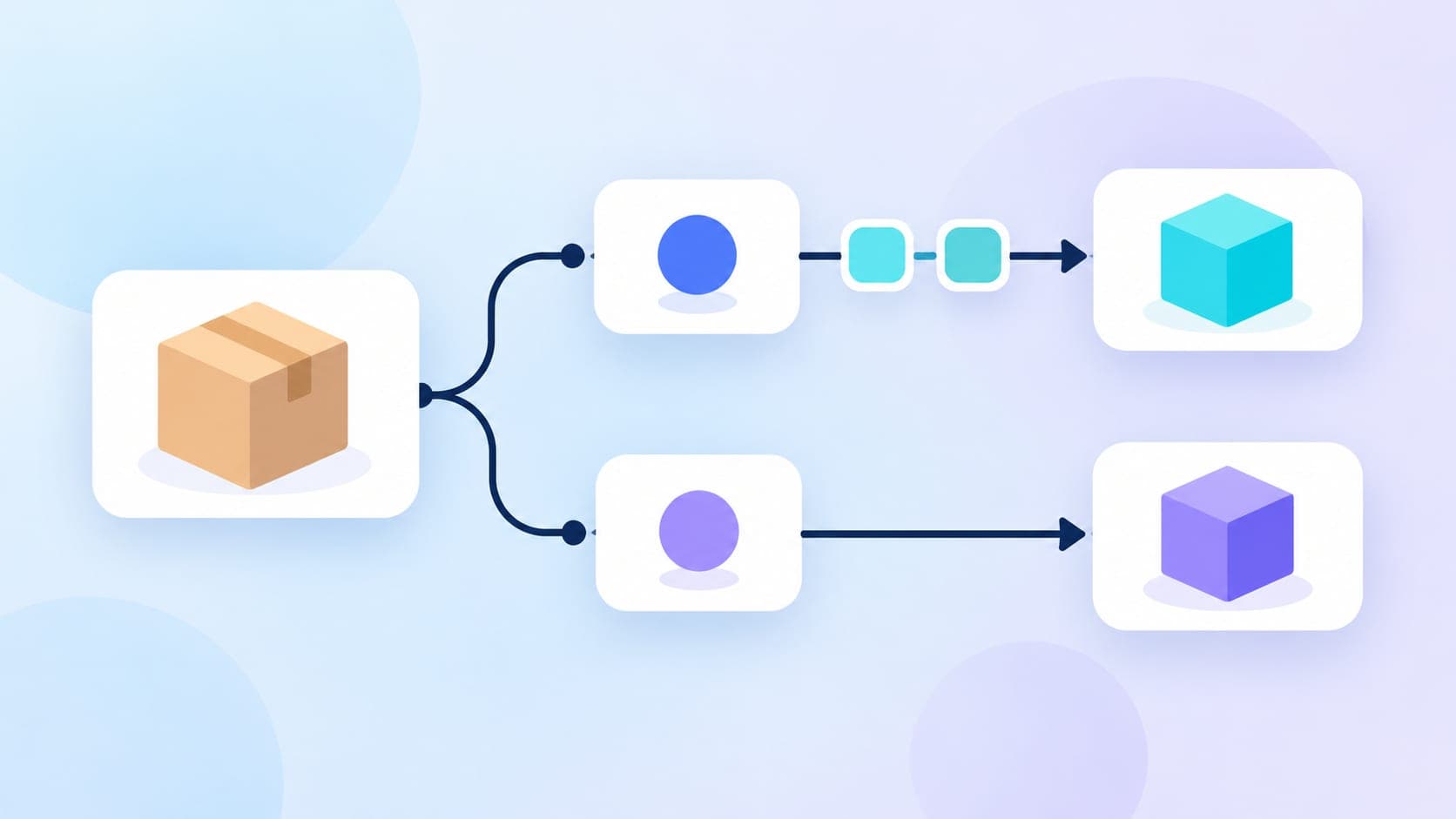
There are two important questions: did one action receive the order twice, or did two actions each represent the same order? The first concerns event delivery and supported deduplication. The second concerns measurement design and campaign goals.
Layer | Example failure | Evidence to inspect | Likely repair |
|---|---|---|---|
Website trigger | Confirmation page reload sends another purchase | Tag timeline and network requests | Correct event trigger and persistent order identifier |
Parallel installations | Store integration and manually added tag both send the event | Installed integrations and request destinations | Assign one implementation owner |
Conversion actions | Native purchase and imported purchase both influence bidding | Conversion action segmentation and campaign goals | Choose one bidding representation |
Import pipeline | Retried records have inconsistent identifiers | Upload logs and source records | Correct identity and retry handling |
Business event | Checkout start is labelled as a purchase | Event trigger versus paid order status | Measure the intended outcome |
Do not remove every repeated request. Some requests belong to different products or carry complementary data. Inspect the destination, action and payload before deciding that a request is redundant.
Establish what should count
Write a short conversion rule before changing tags. For a purchase, define the business state that qualifies, the amount to send and the identifier that persists across retries.
A completed payment may be the right event for one store. A valid confirmed order may be appropriate for a business using payment on delivery. The implementation must follow the agreed commercial rule.
For leads, decide whether a repeat enquiry represents another valuable opportunity or the same lead returning. A counting setting cannot resolve inconsistent lead identity in the CRM.
Collect the conversion action name, source, selected campaign goals, count setting, value, currency and current identifier field. Save the existing configuration so the effect of a repair can be explained later.
How transaction IDs prevent repeated purchases
Google's transaction ID documentation states that repeated conversions with the same ID for the same action can be recognised as duplicates. The ID must remain stable for one order and change for a genuinely different order.
Use an identifier generated by the commerce system. Do not generate a new timestamp or random value every time the confirmation page loads. That makes a replay look like another transaction.
Avoid static placeholders, empty values and personal data. A shared placeholder can suppress legitimate purchases, while a missing identifier removes an important deduplication safeguard.
The action boundary matters. Sending the same order identifier to two separately configured purchase actions does not establish that the account will count only one business outcome across those actions.
Check conversion actions before touching website code
Segment campaign results by conversion action. Look for several actions representing the same purchase and inspect how each campaign uses them.
Google's campaign-specific goal guidance explains that campaigns can override account-default goals. Custom goals can also include secondary actions for bidding. A secondary label alone therefore does not prove an action is observational in every campaign.
A useful audit table includes:
- Action: The exact name and source.
- Business outcome: Purchase, qualified lead or another defined result.
- Campaign use: Which standard or custom goal selects it.
- Relationship: Independent outcome or another measurement of an existing outcome.
- Owner: The integration, tag or import responsible for sending it.
Keep a genuinely useful comparison action observational only after checking the complete goal configuration. Do not solve a duplicate purchase by removing a distinct qualified lead or legitimate repeat order.
Inspect every installation route
List the systems capable of sending the conversion. Include the commerce integration, Google Tag Manager, hardcoded scripts, consent tooling, server container and scheduled imports.
Trace one controlled test through that inventory. Record which component sends each request, the receiving action and whether the identifier stays consistent.
A developer may find two tags in the browser while the commercial duplication actually comes from two biddable actions. Conversely, one action can receive repeated events through an integration added outside the tag manager.
Document the route you intend to retain before disabling anything. A hurried removal can leave some payment methods or checkout routes without measurement.
Run a controlled repair
Duplicate conversion repair workflow
- Capture a baselineExport recent action-level counts and values, campaign goals and deployment history. Preserve a small set of known order records for comparison.
- Reproduce one valid conversionComplete a controlled order and inspect the event sequence, destination, value, currency and transaction identifier. Confirm that the business system records the intended state.
- Repeat the confirmation routeReload or reopen the confirmation page where appropriate. Check whether another request is sent and whether the same order identifier is retained.
- Trace parallel actionsIdentify other actions or import routes receiving the same business outcome. Decide which representation should inform campaign bidding.
- Apply the narrow repairCorrect the trigger, identifier or goal selection responsible for the defect. Avoid simultaneous changes to budgets, creative and conversion values.
- Test an independent orderCreate another valid transaction and confirm that it receives a different identifier. A repair that suppresses both orders is incomplete.
- Monitor mature reportingCompare the retained action with business records after processing and conversion delays. Record the deployment date so future comparisons distinguish measurement changes from commercial changes.
Keep test records recognisable and handle them consistently in business reporting. Never use real customer details in screenshots or a public issue report.
Why changing Count to One is not enough
A count setting and transaction deduplication answer different questions. The setting controls how conversions are counted after an interaction. An order identifier distinguishes separate transactions from repetitions of the same transaction.
Setting purchase counting to One can hide legitimate repeat purchases. It may make a total appear more plausible while reducing the quality of the outcome signal.
Select the count rule according to the business event. Then verify the event trigger and identity separately. An apparently improved account total is insufficient evidence of a correct repair.
Check the GA4 route separately
If a purchase is measured in GA4 and shared with Google Ads, inspect the original GA4 event as well as its use in Ads. A website event defect and duplicate bidding actions require separate checks.
Google's GA4 transaction deduplication guidance describes transaction IDs for minimising duplicate purchase key events in web streams. Do not assume the behaviour is identical for app streams or that an Ads configuration change repairs the Analytics event.
Use the same order reference to follow the transaction through the collection route, while respecting each system's supported fields. Fixing a native Ads action leaves any independent Analytics implementation unchanged.
A hypothetical example
Consider a hypothetical retailer with two actions representing the same completed order. These figures are hypothetical, not a client result.
A €100 purchase reaches a native Ads purchase action and a GA4-based purchase action. Both are selected for campaign bidding. The account can therefore receive two representations of one commercial outcome.
The correct response is to select the intended bidding signal and retain the other only for a justified observation purpose. Adding an identifier to the native tag does not independently remove the second action.
In another case, the native action receives the same order again after a page reload. A stable order identifier and a corrected trigger address that delivery problem.
These failures can coexist. Test the retained action after repairing the goal configuration.
What happens to historical performance?
A lower conversion total after the fix may reflect improved measurement rather than fewer sales. Compare business outcomes, identify the affected actions and annotate the change.
Do not promise that a tag repair will rewrite historical data. Establish which records and supported adjustment methods are available before proposing any historical correction.
Separate the repair date from a later campaign evaluation date. Bidding and reporting may need time to reflect the changed signal, especially where conversions arrive after a delay.
Avoid compensating immediately by relaxing performance targets. First understand how the new signal relates to the old reported volume and value.
Verification and handover checklist
The audit is complete when the retained purchase action receives the intended event, values match the business definition and separate legitimate orders remain distinguishable.
Confirm that:
- One order retains one stable identifier across supported delivery routes.
- Another valid order receives another identifier.
- Invalid or abandoned checkouts do not become purchases.
- Campaign goals contain the intended bidding actions.
- Comparison actions are excluded from bidding wherever required.
- GA4 collection is checked independently.
- The deployment date, owner and monitoring plan are documented.
The broader reporting principle is covered in our guide to choosing meaningful KPIs. A conversion count becomes useful only when the event represents the commercial result you intend to improve.
Frequently asked questions
Does the same transaction ID deduplicate every conversion action?
No. Google's transaction ID guidance describes duplicate protection within the same conversion action. Audit separately configured actions and campaign goals as well.
Can I simply delete one of the purchase tags?
First identify which integration sends each event and which checkout routes depend on it. Remove or correct the redundant route only after validating the retained implementation.
Does a lower conversion count after a repair mean sales fell?
It may reflect the removal of duplicate measurement. Check actual paid orders and values before interpreting the change as a commercial decline.

Sima Damar Beygu
Founder of ConversionNest. 10+ years in growth marketing, managing 300K euro monthly media budgets and scaling acquisition across 15+ markets. MSc in Digital Marketing from University College Dublin. Google and Meta certified.
Sima on LinkedIn
Why GA4 revenue does not match Shopify, and when to worry
A revenue gap can come from definitions or missing transactions. Reconcile individual orders before blaming attribution or changing the tracking setup.

ChatGPT traffic dropped in GA4? Audit the October tracking gap
ChatGPT referral traffic appeared to fall sharply in October 2026. Learn how to investigate missing UTM attribution, compare Direct traffic and protect your AI search reporting.

Meta Pixel's November 12 update: what advertisers need to know
Meta Pixel is due to add on-device conversion measurement from November 12, 2026. Here is what the notice means, what remains unclear and what advertisers should check now.