What to fix on your website before you spend €1,000 on Google Ads
A small Google Ads budget has no room for a landing page that breaks, confuses or fails to record the conversion.


- At a small Google Ads budget, the landing page usually decides more of the return than bid or keyword settings do.
- Google disapproves ads whose destinations are broken, uncrawlable, redirect to another domain or are hard to navigate.
- Each ad group should land on the page that answers that search, with one obvious next step.
- Conversion tracking must be tested before launch, including a check for duplicate tags.
- A fast, clear page cannot create demand, so treat the first €1,000 as a test of the whole system.
Before you spend €1,000 on Google Ads, check that the page you send people to works on mobile, matches what the ad promised, makes the next step obvious and records the conversion once. Ads buy the visit. Your website decides whether that visit becomes an enquiry, a booking or a sale.
A good website will not rescue a weak offer or a market with no search demand. It does decide how much each euro of budget can return, and at small budgets that is the difference between learning something and learning nothing. The commercial question is simple: if 500 people clicked tomorrow, would your site turn enough of them into customers to justify the spend?
Why the website matters more at small budgets
With a large budget, you can absorb a weak page for a while and still collect enough data to fix it. With €1,000, every click you lose to a broken form or a confusing page is a click you paid for and cannot reuse.
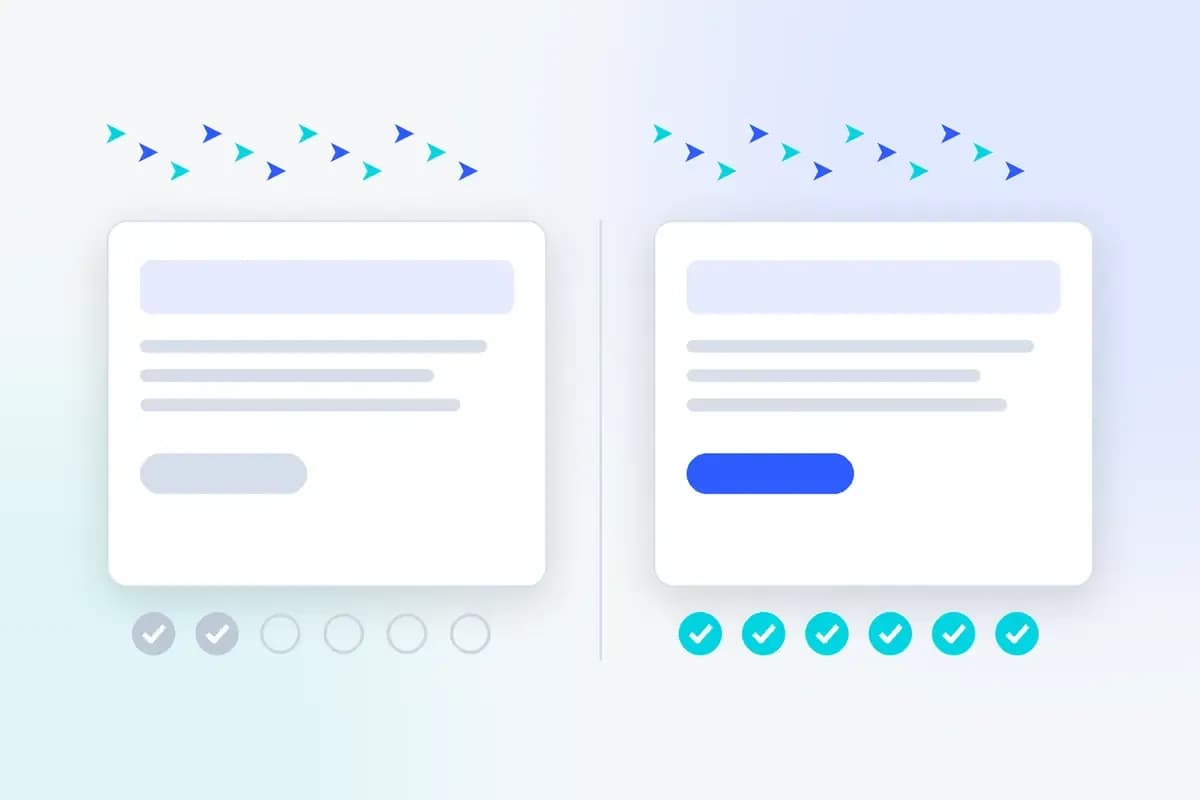
Consider a hypothetical local service business. These figures are hypothetical, not a client result.
Scenario | Budget | Average cost per click | Clicks | Page conversion rate | Enquiries | Cost per enquiry |
|---|---|---|---|---|---|---|
Weak landing page | €1,000 | €2 | 500 | 2% | 10 | €100 |
Fixed landing page | €1,000 | €2 | 500 | 4% | 20 | €50 |
Nothing changed in the ad account. The same clicks produced twice the enquiries because the page did its job. ConversionNest's view: for a first campaign, fixing the page usually returns more than any bid or keyword adjustment you could make in the first month.
Check 1: The page works for Google and for people
Google will not run ads to pages that fail its basic checks. The Destination requirements policy lists the problems that lead to disapproval, including pages that return errors to Google's crawler, pages Google cannot crawl, final URLs that redirect to a different domain, and pages that are hard to navigate.
Passing the policy is the minimum. The page also has to work for a real visitor.
- Mobile test: open the page on your own phone, on mobile data, not office wifi.
- Form test: submit every form and confirm the message arrives in the inbox you actually read.
- Link test: click every button above the fold and check none lead to a dead page, a file download or a bare email address.
- Location test: if you target another country, ask someone there to open the page, since Google also disapproves destinations users in the targeted location cannot access.
Check 2: The landing page matches the ad
Landing page experience is how Google Ads estimates whether your page is relevant and useful to people who click your ad. Google's landing page experience documentation says each keyword gets a status of above average, average or below average, and that higher rated pages are usually well organised, with text that matches what the person searched for.
Google has also tightened how it judges this. Search Engine Journal reported on February 5, 2025 that Google built a prediction model to assess navigation on Search ad landing pages, and that ads sending users to unexpected pages are demoted.
The practical rule: send each group of ads to the page that answers that search. Someone searching "emergency boiler repair" should land on a boiler repair page with your phone number visible, not on a homepage that lists eight services. If you only have a homepage, write one dedicated page for the service you plan to advertise first.
Check 3: The next step is obvious within five seconds
A visitor from an ad has one question: can this business solve my problem, and how do I start? If the page makes them hunt for the answer, they go back to the search results and click a competitor.
- One main action: choose call, form, booking or purchase, and make that action the most visible element on the page.
- Clickable phone number: on mobile, a tap should start the call.
- Short form: ask only for what you need to reply. Every extra field is a reason to stop.
- Clear headline: say what you do and for whom in plain words, not a slogan.
If you are unsure whether your page passes, ask someone who has never seen it to tell you, in five seconds, what you sell and what they should do next. Our website UX audit guide covers a fuller version of this test.
Check 4: The page loads fast on mobile
Speed is where many small business sites quietly lose paid clicks, because the visitor leaves before the page appears. Google's Core Web Vitals give you an objective target. web.dev's explanation of the thresholds defines three metrics, measured at the 75th percentile of real visits:
Metric | What it measures | Good |
|---|---|---|
Largest Contentful Paint (LCP) | How fast the main content appears | 2.5 seconds or less |
Interaction to Next Paint (INP) | How fast the page responds to a tap or click | 200 milliseconds or less |
Cumulative Layout Shift (CLS) | How much the layout jumps while loading | 0.1 or less |
Run your landing page through Google's PageSpeed Insights and look at the mobile result first. Google does not document Core Web Vitals as a direct input to Google Ads Quality Score, so treat them as a visitor experience measure, not a ranking lever. The usual fixes on small sites are oversized images, too many plugins and slow hosting.
Check 5: Trust is visible before you ask for anything
People clicking an ad usually do not know you yet. They look for proof that you are real and competent before they call or pay.
- Contact details: a phone number, a business address or service area, and opening hours.
- Reviews: a few genuine customer reviews near the main action, not hidden on a separate page.
- Price guidance: a starting price or price range, where your business can give one, filters out poor fit enquiries.
- Policies: for online stores, delivery costs, returns and payment options visible before checkout.
If you plan to use call assets or call only ads, check that the number is answered and has active voicemail. The same Destination requirements policy lists inactive numbers and numbers without active voicemail as unacceptable.
Check 6: Conversions are recorded once and correctly
Without conversion tracking, Google Ads cannot tell which clicks produced enquiries, and you cannot tell whether the €1,000 worked. Google's conversion tracking setup guide offers a no code URL method for thank you pages, a manual code method for button clicks and transaction values, Google Tag Manager, and importing key events from GA4.
Two checks matter before launch:
- Status: in Google Ads, go to Goals, then Summary, and confirm each conversion action shows an active status after a test submission.
- Duplicates: Google warns that double tagging, often from a CMS plugin plus a manual tag, can report the same conversion twice. Our guide to duplicate conversions in Google Ads shows how to find the extra layer.
Count only actions that represent real business value. A visit to the contact page is not an enquiry.
Check 7: Someone replies to the enquiry quickly
This check sits outside the website, but it decides whether your ad spend becomes revenue. If a form submission lands in an unread inbox for two days, the ad and the page both did their job and the sale was still lost.
Decide before launch who answers calls and forms, how fast, and how they record the outcome. If you already get traffic but few customers, our diagnosis for website traffic with no enquiries walks through where leads go missing.
Run the checks in this order
Pre-launch sequence for a first Google Ads campaign
- Fix anything that breaksTest forms, links and the phone number on mobile. Broken pages waste every click, so this comes first. Allow about 30 minutes.
- Match one page to your first campaignPick the single service or product you will advertise first and make sure one page answers that search directly. Allow an afternoon if you need to write a new page.
- Make the next step obviousChoose one main action, shorten the form and move reviews and contact details near it. Allow one to two hours.
- Check mobile speedRun PageSpeed Insights on the landing page and fix the largest images first. Allow one hour, longer if hosting is the problem.
- Set up and test conversion trackingCreate the conversion action, submit a test enquiry and confirm it is recorded once. Allow about an hour.
- Agree who handles leadsName the person who replies and the response time you will hold to. Allow ten minutes.
When the website is not the problem
A clean, fast, trustworthy page cannot create demand that does not exist. If few people search for what you sell, if your price is far above competitors, or if your service area is too small, ads may not be the right channel yet, however good the site is.
Treat the first €1,000 as a test of the whole system: search demand, ad, page, follow up. Fixing the website first means that when the results come back, you can trust what they tell you. If you have not launched yet, our walkthrough on getting started with Google Ads covers the campaign side.
Before launch, confirm the page works on mobile, matches the ad, shows one clear action, loads fast, shows proof, records conversions once and has someone ready to reply.

Sima Damar Beygu
Founder of ConversionNest. 10+ years in growth marketing, managing 300K euro monthly media budgets and scaling acquisition across 15+ markets. MSc in Digital Marketing from University College Dublin. Google and Meta certified.
Sima on LinkedIn
Local Services Ads are moving to Performance Max: what to check first
Google is moving Local Services Ads into Google Ads in phases through 2027. Here is what changes for budgets, bidding and lead handling, and what to export first.
What are review summaries in Google Search ads?
Google now condenses positive online reviews into short AI-written lines inside Search ads, with no editing and no documented opt-out. Here is how the feature works and what to check.

Google expands AI Mode ads: what small businesses should check
Google Ads in AI Mode is expanding internationally. Learn which markets qualify, how existing campaigns participate and what small businesses should measure.